
Every agent action, accounted for.
See who, or what, took every action. Every prompt, response, tool call and skill use recorded.











Why AI agent activity is hard to investigate
When something goes wrong, most logs say a user did it. They can’t tell you whether that person typed the command or an agent ran it for them overnight, or what the agent was trying to do at the time.
Bay records every agent session from start to finish and separates human actions from autonomous ones, so your team starts every investigation with the full story.
How it works
Distinguish human from agent, every time
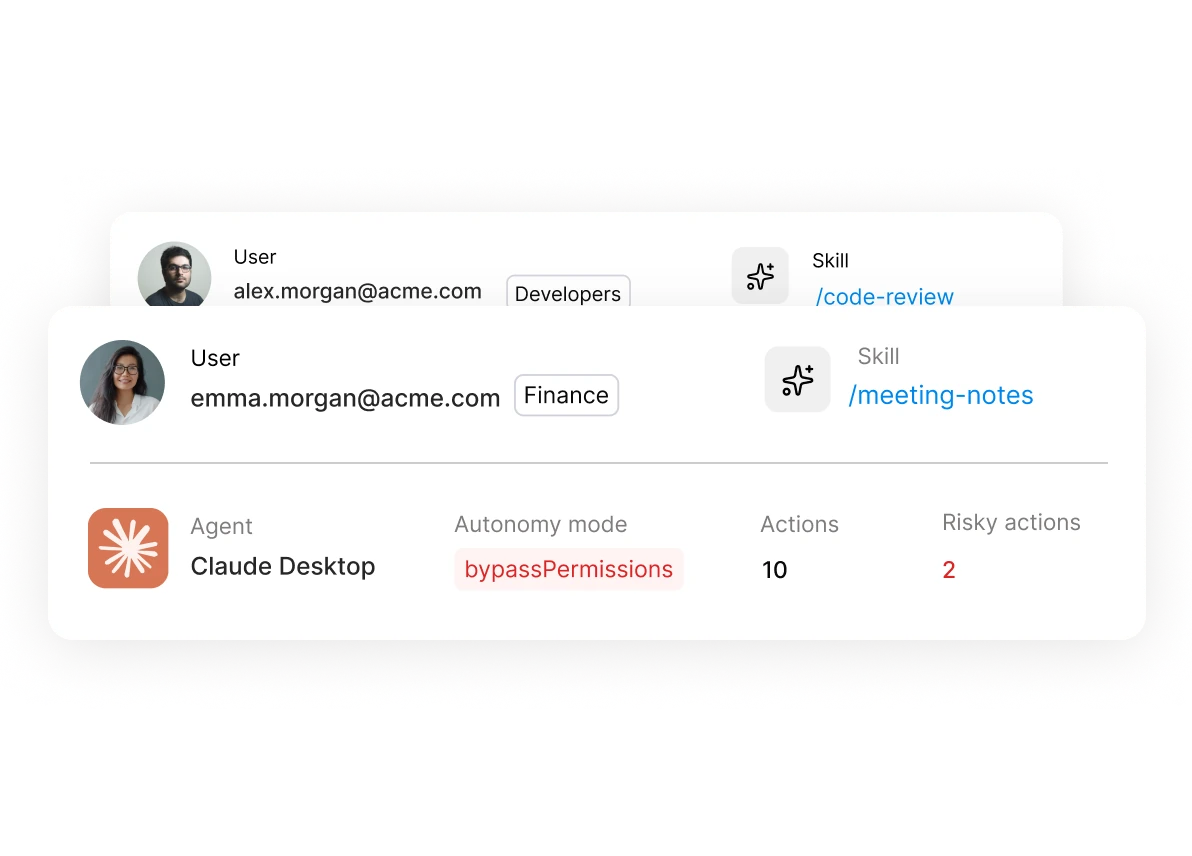
Bay attributes each action to the person who took it or the agent that acted for them, and records the permission mode the agent was running in.

Track the full session, start to finish
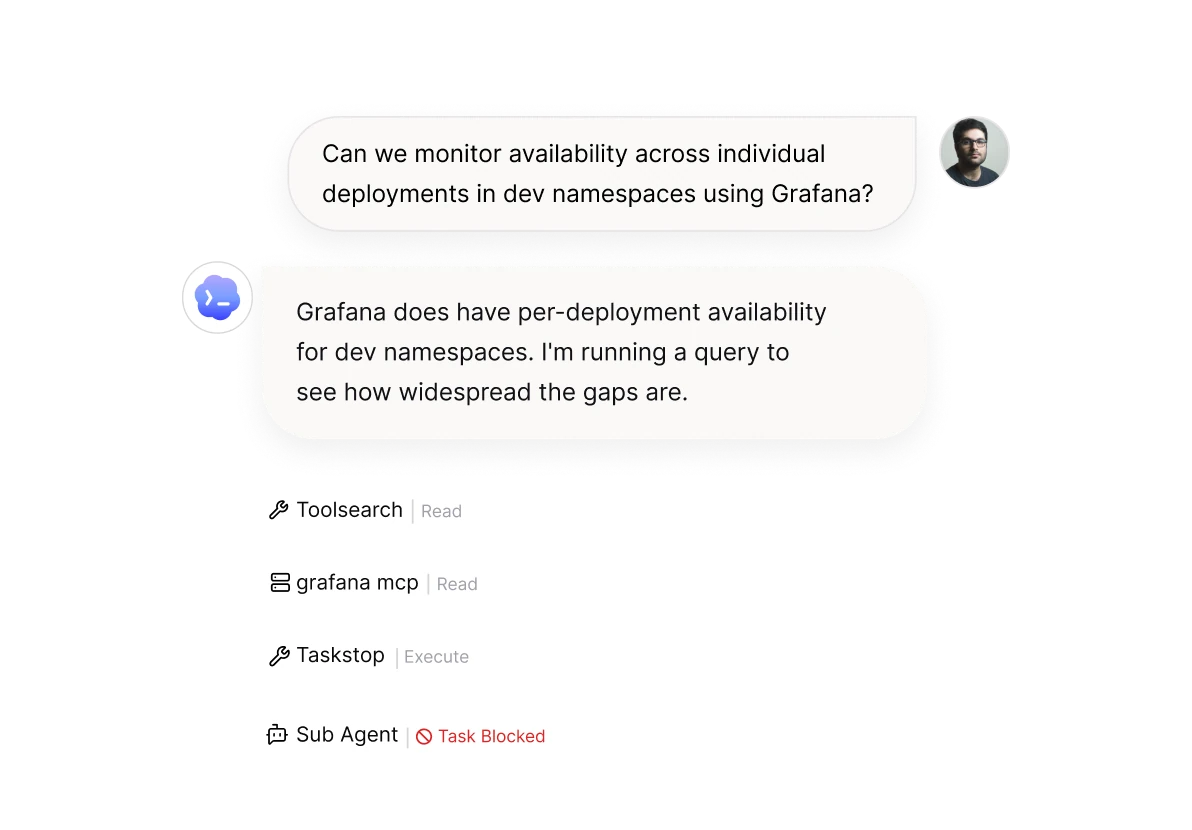
Every prompt, tool call and system action on one timeline, so you can see how an agent got from its first instruction to its last action.

Every finding makes your guardrails smarter
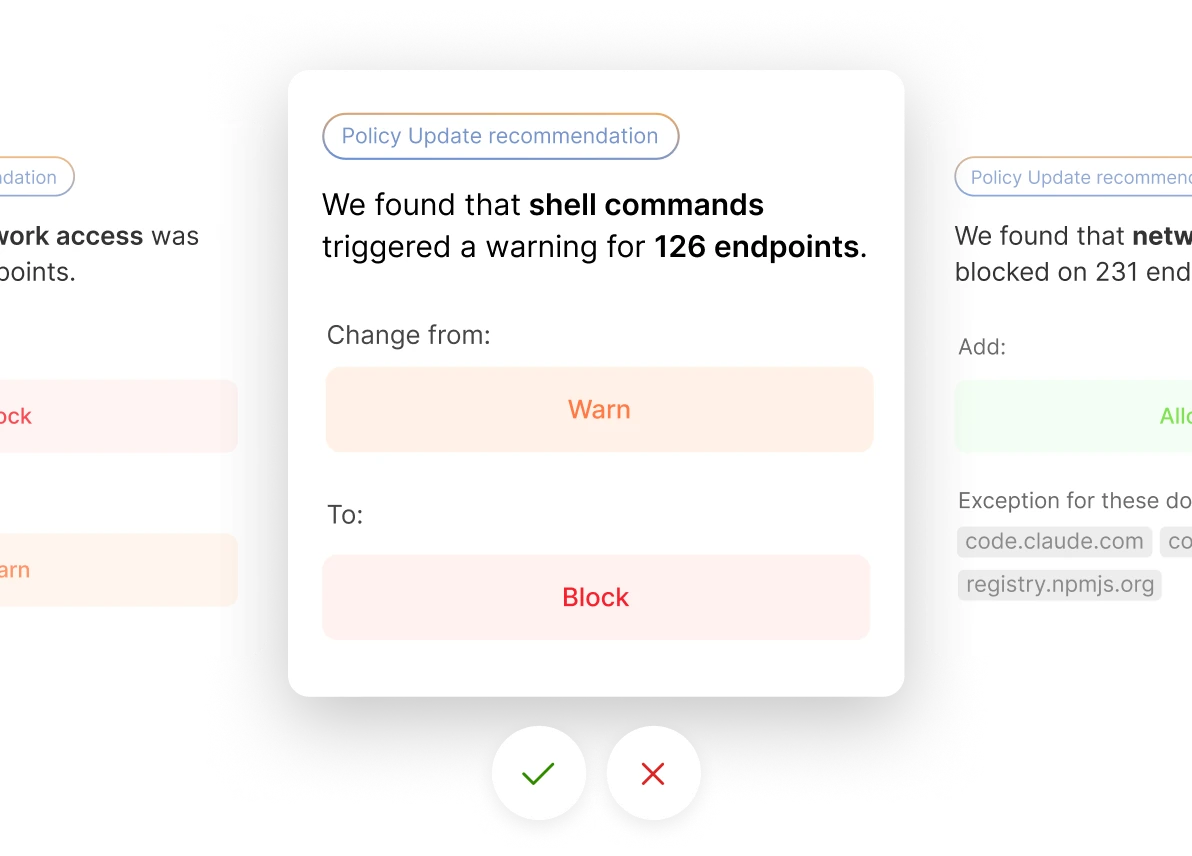
When Bay surfaces something unusual in a session, it tunes the relevant guardrails automatically, so the same risk is handled at runtime next time. No tickets, and no rules to write by hand.
Give your SOC the full story, in the tools it already uses
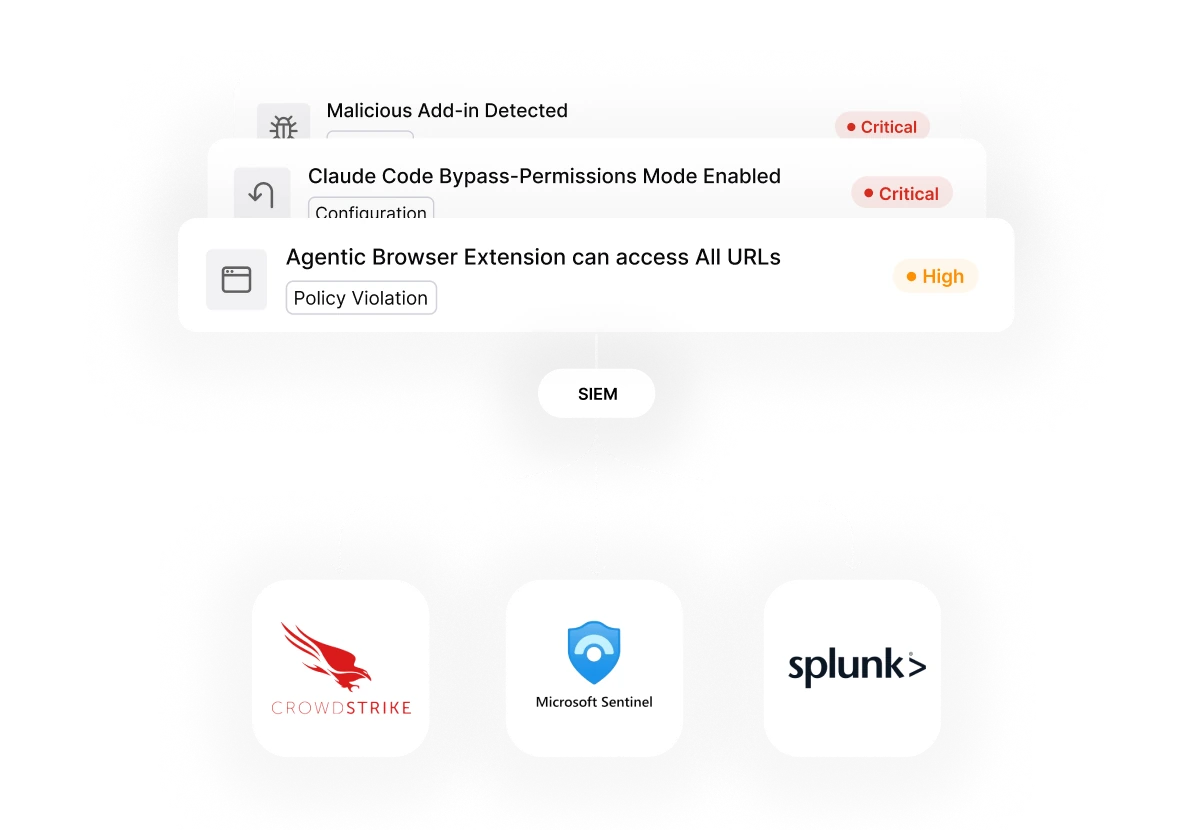
Events arrive in your SIEM in OCSF format, with enough context that analysts can triage without opening another console.

Live in 5 minutes. Tailored in an hour.
Works with your stack without replacing it.