
Every agent, configured the way you meant.
Bay checks how every agent and AI tool is set up, across devices and cloud workloads, so you can fix risky settings before an agent puts them to use.











Why AI posture drifts
Most risky AI settings are switched on for a good reason. Someone turns off a sandbox to get past an error, or gives an agent broader access to stop the approval prompts. Then the work moves on and the setting stays.
Bay keeps an eye on every agent’s configuration, so you can find what’s drifted and put it right before it matters.
How it works
Managed settings, kept in line
Decide how every AI tool should be configured, from permissions to sandboxing. Bay keeps every device and workspace in line, even when someone changes a setting.

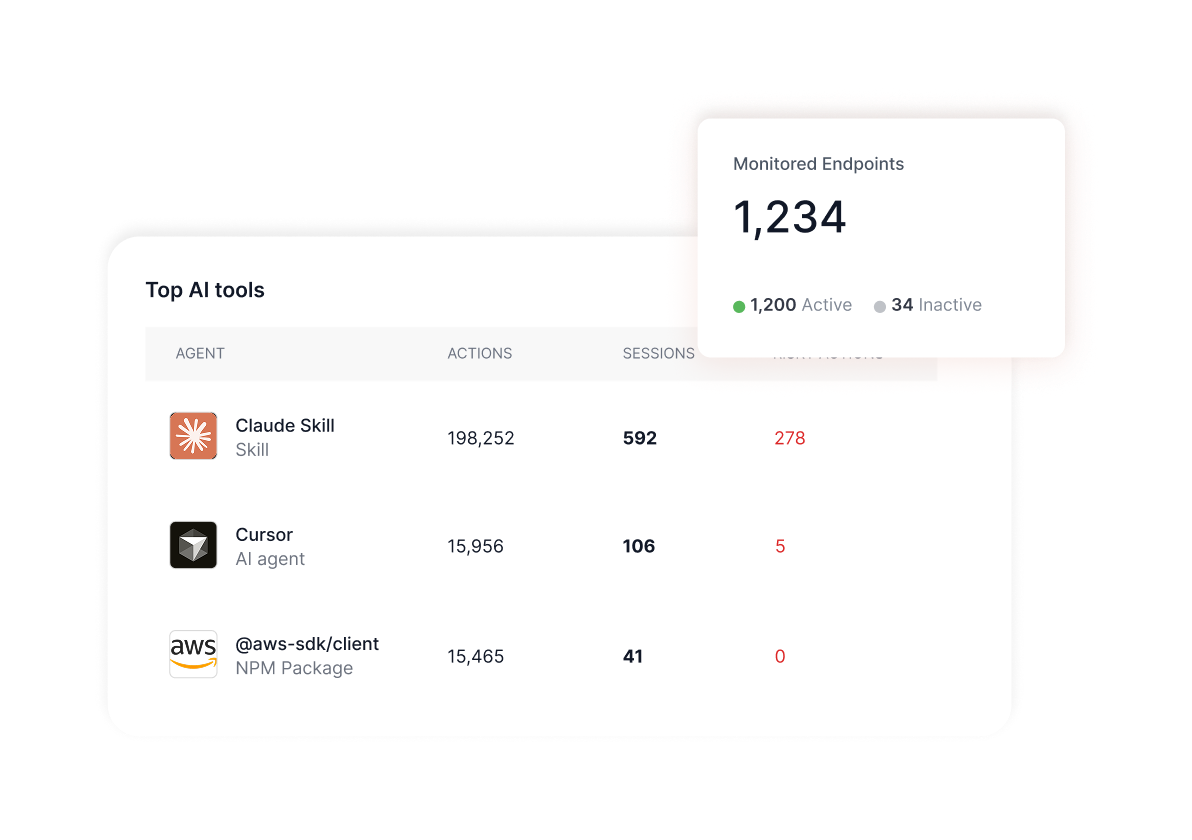
Risky configurations, flagged
Bypass-permissions mode, sandboxes switched off, unrestricted tool access. Bay spots each one, rates how serious it is and shows you how to fix it.

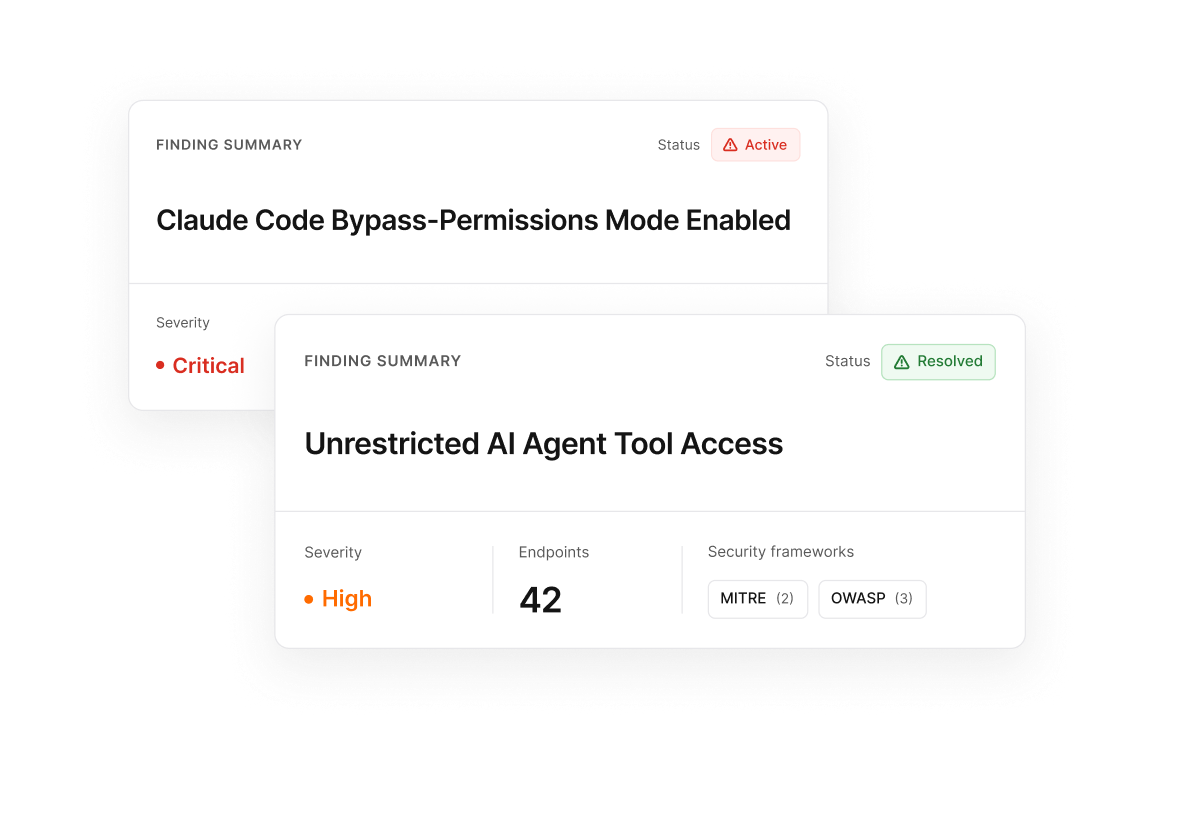
Toxic combinations, caught early
Some risks only appear together, like an agent that can read secrets and also reach the internet. Bay connects the dots across tools, permissions and MCP servers, so settings that are harmless alone don’t become dangerous together.
Credentials kept out of reach
Bay finds the credentials, tokens and secrets that agents and MCP servers can read, and helps you lock them down before a long-running task puts them to use.

Live in 5 minutes. Tailored in an hour.
Works with your stack without replacing it.