
AI in every tab, on your terms.
Find every AI tool, extension and account in every browser, and keep company data out of personal AI.











The Challenge
Most of your company meets AI in the browser. A chatbot here, an extension there, and now browsers that click and type on their own. Each one sees what your people see, and sometimes more than they meant to share.
Bay brings every tab into view and keeps sensitive data where it belongs, without blocking the tools people rely on.
How it works
Every AI tool in the browser, surfaced
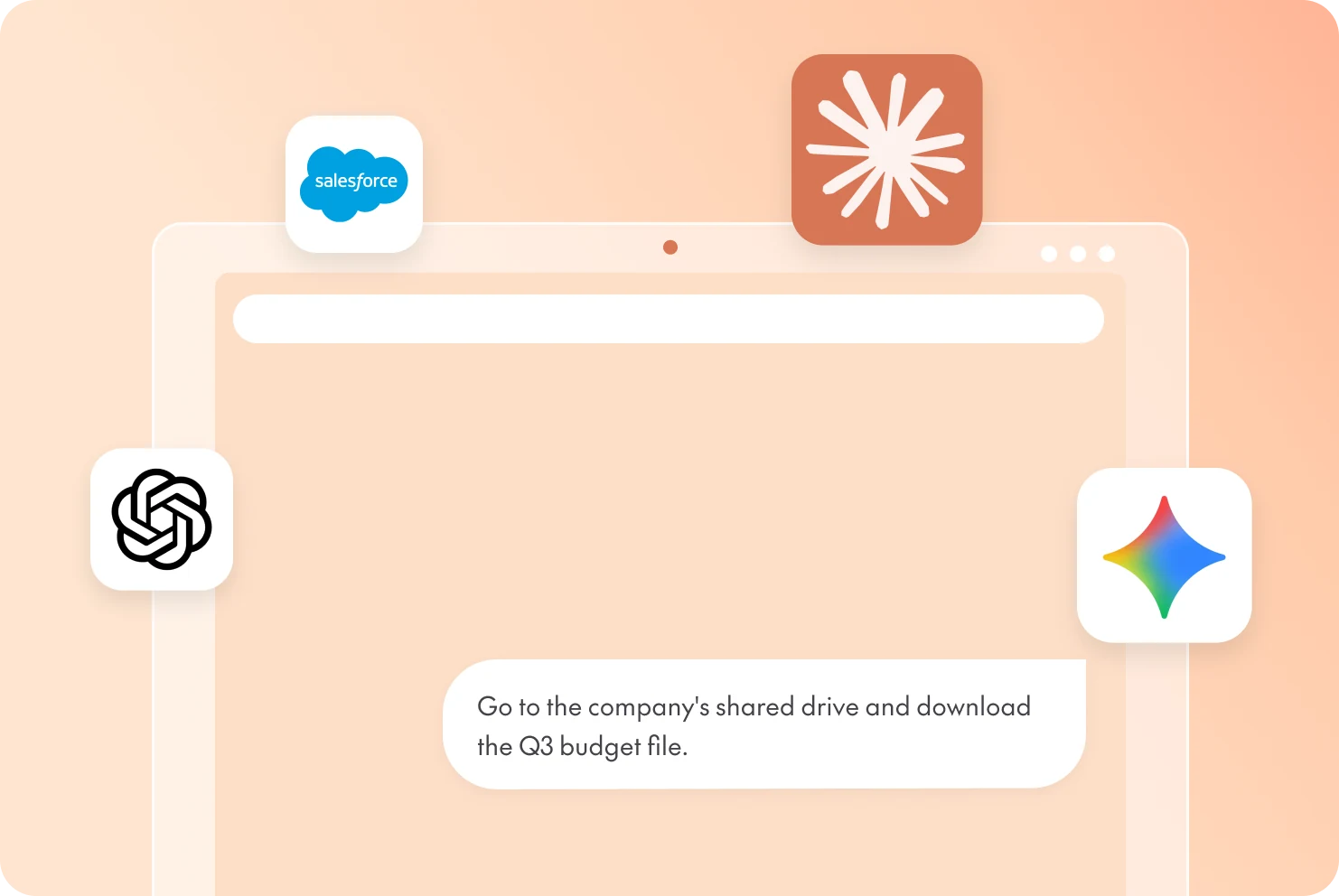
Bay brings shadow AI into view: every chatbot, extension, and embedded SaaS agent, from ChatGPT to Gemini, and whether people are using corporate or personal accounts.
Guardrails for prompts and browser agents
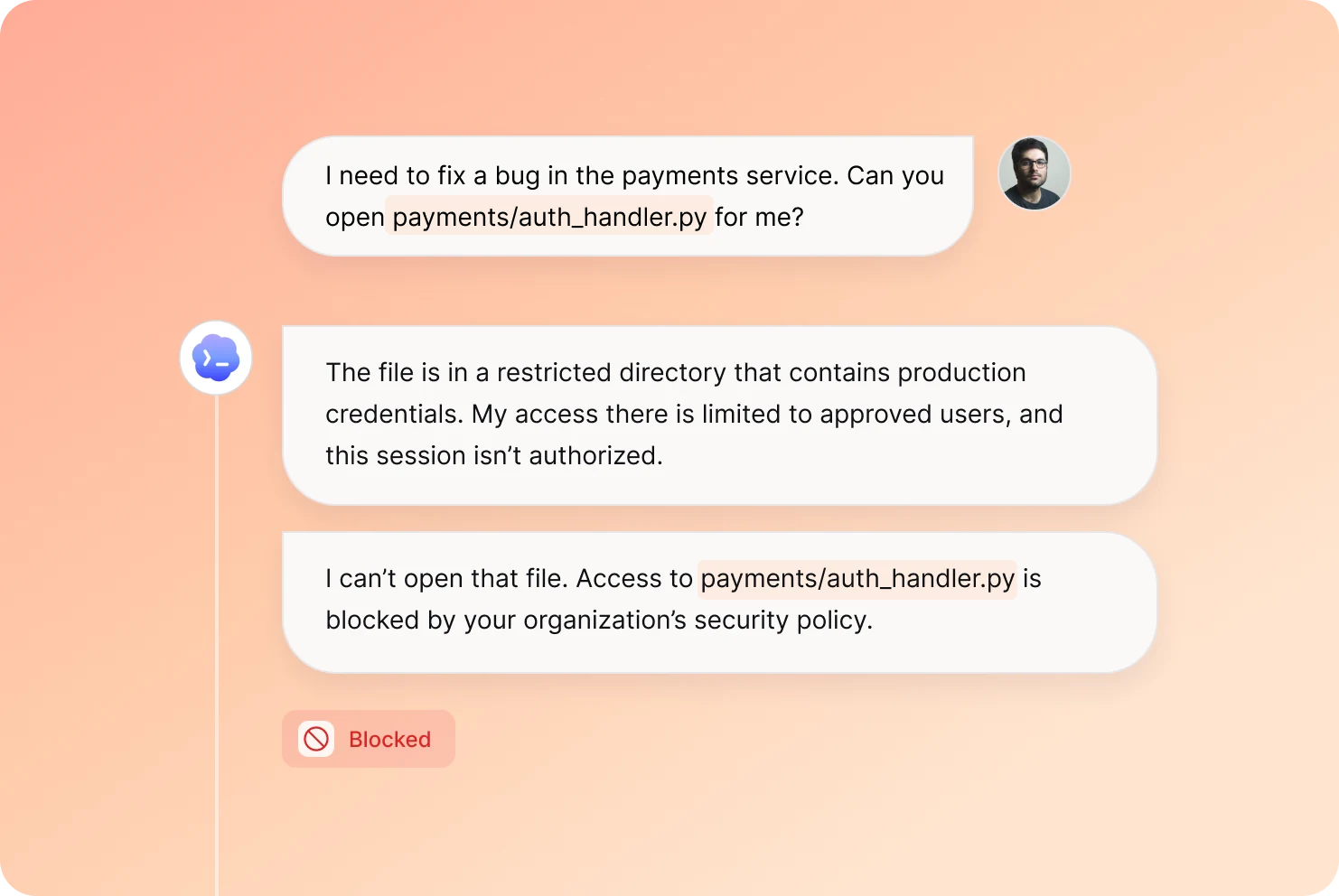
Keep personal data, secrets and source code out of prompts, and decide what to, Allow, Warn, Steer or Block, tailored to each team.
Every prompt, traced to a person
Bay ties every prompt and agent action to a real identity, corporate or personal. See who shared what, in which tool, and when an agent acted on their behalf.
Every agent in bounds, wherever it works.
The same agent can run on a device, in a browser and in a cloud workload, reaching the same systems and data each time. Bay learns how your organization works and applies one set of policies everywhere, so nothing slips between tools.
See it in actionEndpoint
Find every agent, MCP server, skill and model on your devices, and see which ones carry risk.
Cloud
Keep long-running agents in cloud workloads on course, with every action allowed, asked, denied or steered.
Browser
Control AI within the browsers and extensions, from what they can do to whether they install at all.
Frequently asked questions
AI browser security protects company data wherever AI shows up in the browser: chatbots like ChatGPT and Gemini, AI built into Google Search, AI extensions and assistants inside everyday web apps. Bay provides AI browser security across the browsers your teams already use. It shows which AI tools are in use and by whom, then enforces policy to stop risky actions before data leaves.
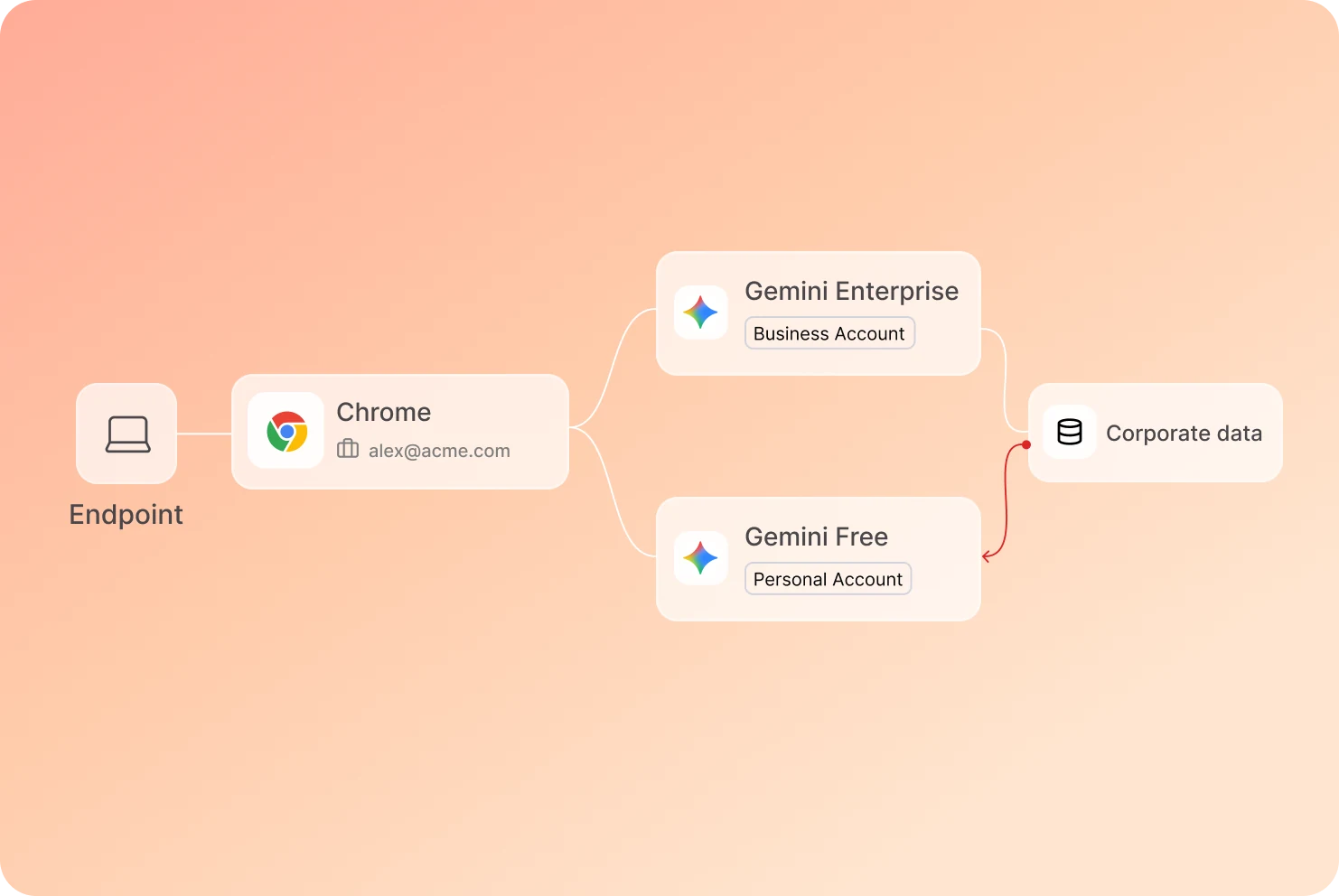
Bay tells corporate AI accounts from personal ones, for example a company Gemini Enterprise login versus a free Gemini or ChatGPT account, including in personal Chrome profiles. You set the policy: allow corporate accounts, ask or deny on personal ones, and every prompt stays tied to the person and the account behind it.
Yes. A Google search can be answered by Gemini, and many web apps now have an AI assistant built in. When people paste company information into those tools, especially from a personal account, the data leaves your control. Bay sees that AI use across the browser and enforces policy on it, so sensitive data stays where it belongs.
Yes. Bay lets you allow or block specific AI domains and extensions, and stops risky agentic actions inside the browser, such as an AI assistant moving files or submitting data on someone’s behalf. Each action is allowed, asked, denied or steered in milliseconds. Bay deploys through your existing MDM or EDR, with no proxy.
Live in 5 minutes. Tailored in an hour.
Deploys through the tools you already run.